
Dermaplaning
In Miami, FL
Glow-ready skin starts at Sculpt—so smooth, bright, and photo-friendly.
About Dermaplaning
Insight
Understanding Dermaplaning
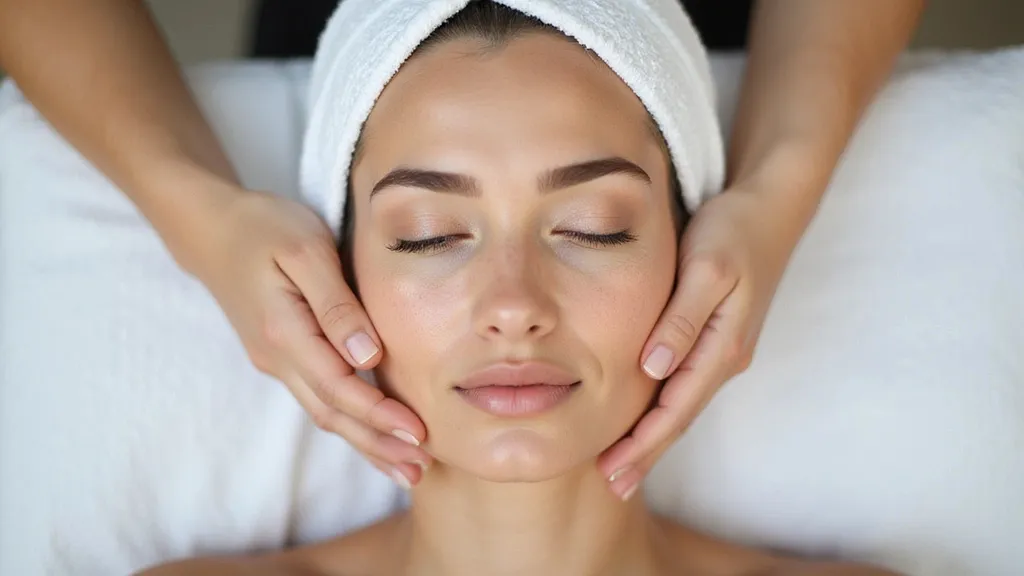
Dermaplaning is a gentle, in-office exfoliation that uses a sterile, single-use blade to skim the top layer of dead skin and fine “peach fuzz.” It does not cut live skin when done by a trained provider. Instead, it smooths rough texture so light reflects better, which is why many people notice a quick “glow.” Because the surface layer is cleared, skin care can soak in more evenly and makeup can sit flatter. Many clients use it to soften the look of dry patches, mild uneven tone, and the shadowy feel that fuzz can give in photos. The hair grows back the same soft way it was before. It’s often paired with a calming mask or hydrating serums to keep the skin barrier happy.
Most sessions take about 20 to 40 minutes and feel like light scraping or brushing. Your provider holds the skin taut and uses short, careful strokes at a safe angle. Right after, the face can look a bit pink and feel extra smooth. Since the outer layer is freshly polished, your skin may be more sensitive for a day or two. Common side effects are mild redness, tightness, or tiny nicks that heal fast. The bigger risks—irritation, infection, or a flare of an active rash—are more likely if the skin is already inflamed. That’s why it matters to avoid picking, heavy exfoliation, or harsh products right after your visit.
How often you do Dermaplaning depends on your skin, but many people schedule it about once a month to match the skin’s natural turnover. It can also be timed before big events because there’s usually little downtime. After treatment, think “protect and hydrate.” Use a gentle cleanser, a plain moisturizer, and broad-spectrum sunscreen every morning. For 24 to 48 hours, skip hot yoga, steam rooms, long beach days, and anything that makes you sweat a lot. Hold off on retinoids, strong acids, and scrubs for a few days so the barrier can reset. If you’re prone to dark spots, sun protection is the biggest step to keep results even and lasting.
Candidate
Who Benefits From Dermaplaning
Dermaplaning may be right for you if your skin looks dull, feels rough, or makeup clings to dry spots. It’s also popular if you want a smoother look for photos, weddings, or work events, because it can leave the face looking fresh fast. Many adults with fine lines, mild texture, or light peach fuzz enjoy it. It may not be a good fit if you have inflamed acne, open sores, a recent sunburn, or a flare of eczema or rosacea, since scraping can worsen irritation. If you use strong acne meds, prescription retinoids, or have had a recent peel or laser, tell your provider so timing stays safe. If you’re outside often in Miami, FL, plan for steady sunscreen after.

Approach
What Is The Process For Dermaplaning
Assessment
Treatment
Follow Up
Assessment
Review goals and skin history
Check for acne, rash, sunburn
Note meds, peels, and retinoids
Choose areas to avoid
Cleanse and dry the skin well
Explain feel, risks, and limits
Plan timing around big events
Take before photos if wanted
Treatment
Sanitize and prep the tools
Keep skin taut for safety
Use short, feather-light strokes
Work forehead, cheeks, chin
Avoid active breakouts
Wipe away skin cells as needed
Soothe with hydrating serum
Add calming mask if needed
Finish with SPF and aftercare
Follow Up
Expect pinkness for a few hours
Skip heat and heavy sweat 48 hrs
Avoid acids and retinoids 3 days
Use gentle wash and moisturizer
Wear sunscreen daily, reapply
Do not pick or scrub the skin
Journey
Before, During, & After Dermaplaning
BEFORE: In the days leading up to Dermaplaning, keep your routine simple. If you use retinoids, strong acne creams, or exfoliating acids, pause them for a few days unless your provider says otherwise. Avoid waxing or threading on the face, and try not to pick at bumps. Come in with clean skin and skip heavy makeup if you can. Drink water and bring a hat or SPF for the ride home. If you have a fresh tan, sunburn, cold sore, or a new breakout that feels hot and swollen, it’s safer to reschedule. Tell your provider about any prescription acne meds, recent peels, or laser visits so your skin isn’t over-worked.
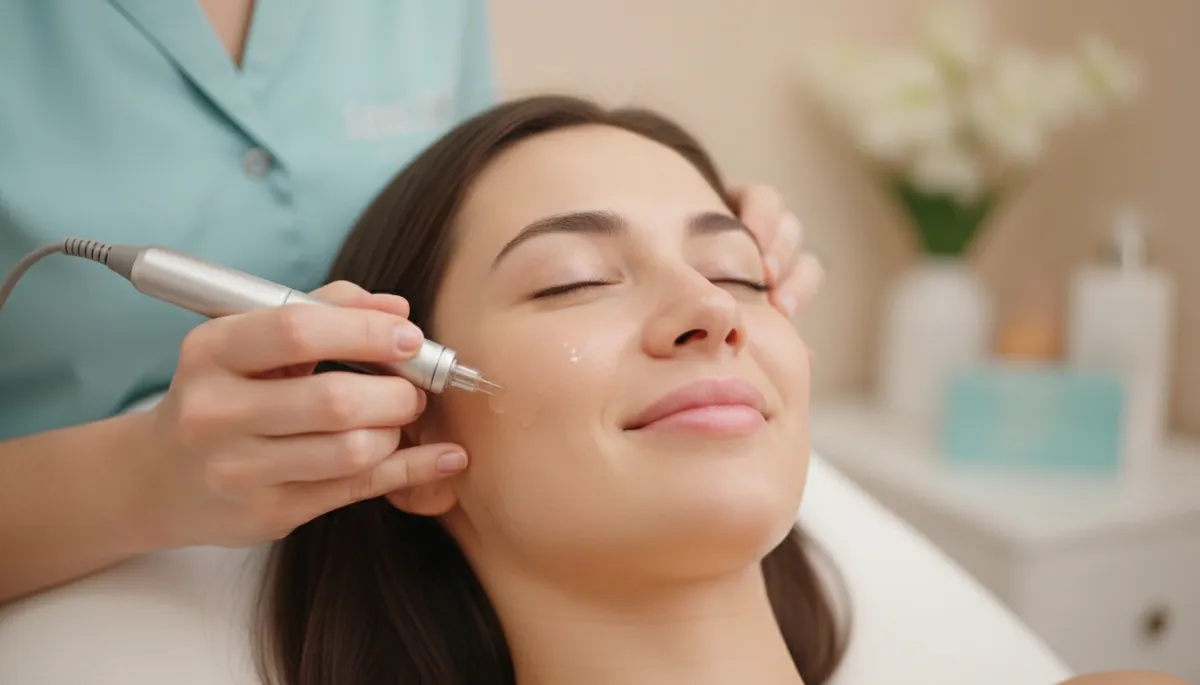
DURING: You’ll relax while your provider gently holds the skin tight and glides a sterile blade at a precise angle. The feeling is usually light and scratchy, not sharp, and many people describe it as a soft brushing sound. Your provider works in small sections, often starting on the cheeks and moving around the face, carefully avoiding any raised pimples or irritated spots. Dead skin and fine hair are lifted away as the blade passes, and the skin is wiped clean as needed. When the smoothing is done, a soothing serum or mask is applied to calm the skin. The visit is usually quick, and you can head back to your day right after.
AFTER: Your face may look a little pink, then feel extra soft and “slippy.” For the first day or two, treat your skin like it’s freshly polished. Wash with a mild cleanser, pat dry, and use a plain moisturizer. Skip scrubs, brushes, and strong active products until the skin feels normal again. Sun care matters most: apply broad-spectrum sunscreen every morning and reapply if you’re outdoors. Makeup is often fine the next day, but keep tools clean. Also avoid long hot showers, steam, and heavy workouts for 24 to 48 hours, since heat can add redness. If you notice lasting burning, bumps, or signs of infection, contact your provider for guidance.
Transformation
Getting Started With
Dermaplaning
Getting started with Dermaplaning begins with a quick consult at Sculpt to check your skin up close and match the right plan to your goals. You’ll talk about dryness, texture, peach fuzz, and any past reactions to facials or peels. Your provider will also review meds and recent treatments so your timing is safe. From there, you’ll get clear steps for what to pause before your visit and what to use after, like gentle hydration and daily sunscreen. Many people love how smooth their skin looks right away—and how makeup and skin care apply more evenly. If you want an easy refresh that feels polished and natural, booking a visit is the first step.

Book Now
Booking is quick and easy with flexible scheduling that fits your beauty routine.
Choose a time that works for you and enjoy expert care focused on your skin goals.
The staff was so welcoming and professional. My results exceeded expectations, and the entire experience was relaxing and enjoyable. I left feeling confident and refreshed!

Incredible service from start to finish! The team truly cares about your comfort and outcome. Everything felt clean, modern, and detail-oriented. Highly recommend!

I’ve never felt more cared for during an appointment. They explained every step clearly and made sure I was comfortable. The results speak for themselves—amazing!

Absolutely five-star experience. The staff was kind, knowledgeable, and attentive. You can tell they take pride in their work. I’ll definitely be returning soon.

From the first consultation to the final result, everything was flawless. The environment was spotless, and the results were beyond what I imagined. Truly life-changing.

Exceptional experience all around. They listened carefully to what I wanted and delivered with precision. I feel more confident and rejuvenated than ever.

Most Requested
Discover the most requested treatments chosen to support healthy, glowing skin.
Explore popular services and see how personalized care can enhance your look.






FAQ'S About Dermaplaning
Does Dermaplaning make facial hair grow back thicker?
No. The fine hair usually grows back the same texture and color as before.
How long do results from Dermaplaning last?
Many people enjoy the smoother feel for weeks. How long it lasts depends on your skin turnover and home care.
How often should I get Dermaplaning?
A common schedule is about once a month, but your provider can adjust based on sensitivity and goals.
What should I avoid after Dermaplaning?
Skip heat, heavy sweating, and harsh products for a short window. Focus on gentle hydration and daily sunscreen.
Is Dermaplaning safe for acne-prone or sensitive skin?
It can be, but not when skin is actively inflamed. If you have painful breakouts, rosacea flares, or eczema, ask your provider about safer timing and options.
Serving Our
Neighbors
We’re proud to support and serve our neighbors in communities big and small, from:
Ready To Glow?
Take the next step toward refreshed skin and book your personalized consultation today. Experience expert care designed to enhance confidence and support natural beauty.
Take the next step toward refreshed skin and book your personalized consultation today.
Operating Hours
Mon: 9:00am - 5:00pm
Tues: 9:00am - 5:00pm
Wed: 9:00am - 5:00pm
Thurs: 9:00am - 5:00pm
Fri: 9:00am - 5:00pm
Sat: Closed
Sun: Closed
LOCK CODE
<::::::::::>
Lock
<::::::::::>
CUSTOM CODES
<::::::::::>
STYLIZATIONS
VISUAL
<::::::::::>
Background Color
Gradient 90 Degrees
<::::::::::>
Background Color
Gradient 135 Degrees
<::::::::::>
SVG Carousel
Color
<::::::::::>
SVG Sequence
Color Icons
<::::::::::>
Outline Color
Radius 25px
<::::::::::>
Community Background
Gradient
<::::::::::>
Background Color
Gradient 315 Degrees
<::::::::::>
Background Color
Gradient 225 Degrees
<::::::::::>
Inner Shadow
Weak
<::::::::::>
Inner Shadow
Strong
<::::::::::>
Invert Color
Block Secondary A
<::::::::::>
Invert Color
Exempt
<::::::::::>
Background
Blur 20px
<::::::::::>
Outline Color
Radius 10px
<::::::::::>
Image
Black
<::::::::::>
Image
White
<::::::::::>
Image
Edge Fade
<::::::::::>
Gradient Color
Text
<::::::::::>
Corner Radius
15px
<::::::::::>
Corner Radius
25px
<::::::::::>
Corner Radius
50px
<::::::::::>
Corner Radius
Top 15px
<::::::::::>
Corner Radius
Top 25px
<::::::::::>
Mobile Shadow
None
<::::::::::>
Mobile Shadow
Block Primary
<::::::::::>
Desktop Border White
Left And Right 1px
<::::::::::>
Desktop Border Black
Left And Right 1px
<::::::::::>
Desktop Corner Radius
Bottom Left 50px
<::::::::::>
Desktop Corner Radius
Bottom And Top Left 50px
<::::::::::>
ANIMATIONS
PERMANENT
<::::::::::>
Text Wave
Effect
<::::::::::>
Credentials Carousel
Slide
<::::::::::>
Credentials Carousel
Edge Fade
<::::::::::>
Requested Carousel
Slide
<::::::::::>
Requested Carousel
Edge Fade
<::::::::::>
Pulse
Sequence
<::::::::::>
Pulse
Size
<::::::::::>
Bounce
Rhythm
<::::::::::>
ANIMATIONS
HOVER/SCROLL
<::::::::::>
Neon Outline Color
On Hover/Scroll
<::::::::::>
Shine
On Hover Bright~
<::::::::::>
Shine
On Hover Dim
<::::::::::>
Raise On Hover
Shadow
<::::::::::>
Raise On Hover
No Shadow
<::::::::::>
Grow
On Hover 1.015
<::::::::::>
Grow
On Hover 1.05
<::::::::::>
Desktop Text Revealed
On Hover
<::::::::::>
Desktop Expand
On Hover
<::::::::::>
Shift Up
On Hover
<::::::::::>
Mobile Text Reveal
On Scroll
<::::::::::>
Mobile Expand
On Scroll
<::::::::::>
Blur Sibling
On Hover
<::::::::::>
Becomes Blurred
From Sibling
<::::::::::>
Change Background
Color On Hover
<::::::::::>
Change Text
Color On Hover
<::::::::::>
Change Outline
Color On Hover
<::::::::::>
Opener
Menu Catalyst
<::::::::::>
ANIMATIONS
SINGULAR
<::::::::::>
Fade In
On Scroll
<::::::::::>
Shift In
On Scroll
<::::::::::>
MOVEMENTS
& MARGINS
<::::::::::>
Move Z Axis
Plus 10px
<::::::::::>
Move Y Axis
Up 10px
<::::::::::>
TECHNICAL
DYNAMICS
<::::::::::>
Image Adjusts
Aspect Ratio 16 To 9
<::::::::::>
Image Adjusts
Aspect Ratio 1 To 1
<::::::::::>
Image Adjusts
Aspect Ratio 5 to 6
<::::::::::>
Image Adjusts
Aspect Ratio 9 to 16
<::::::::::>
Image Adjusts
Aspect Ratio 3 to 4
<::::::::::>
Image Min Width 90%
Screen 1420px
<::::::::::>
Text 60px
Screen 1420px
<::::::::::>
Text 60px
Screen 1080px
<::::::::::>
Text 48px
Screen 1080px
<::::::::::>
Text 36px
Screen 1080px
<::::::::::>
Text And Divider
Row Adjust
<::::::::::>
Image Fixed Size
Stabilizer
<::::::::::>
Container Max Width
370px
<::::::::::>
Container Min Width
100% Screen 1420px
<::::::::::>
Safari Parallax Image
Off
<::::::::::>